STOCK IMAGE
Auction Ended

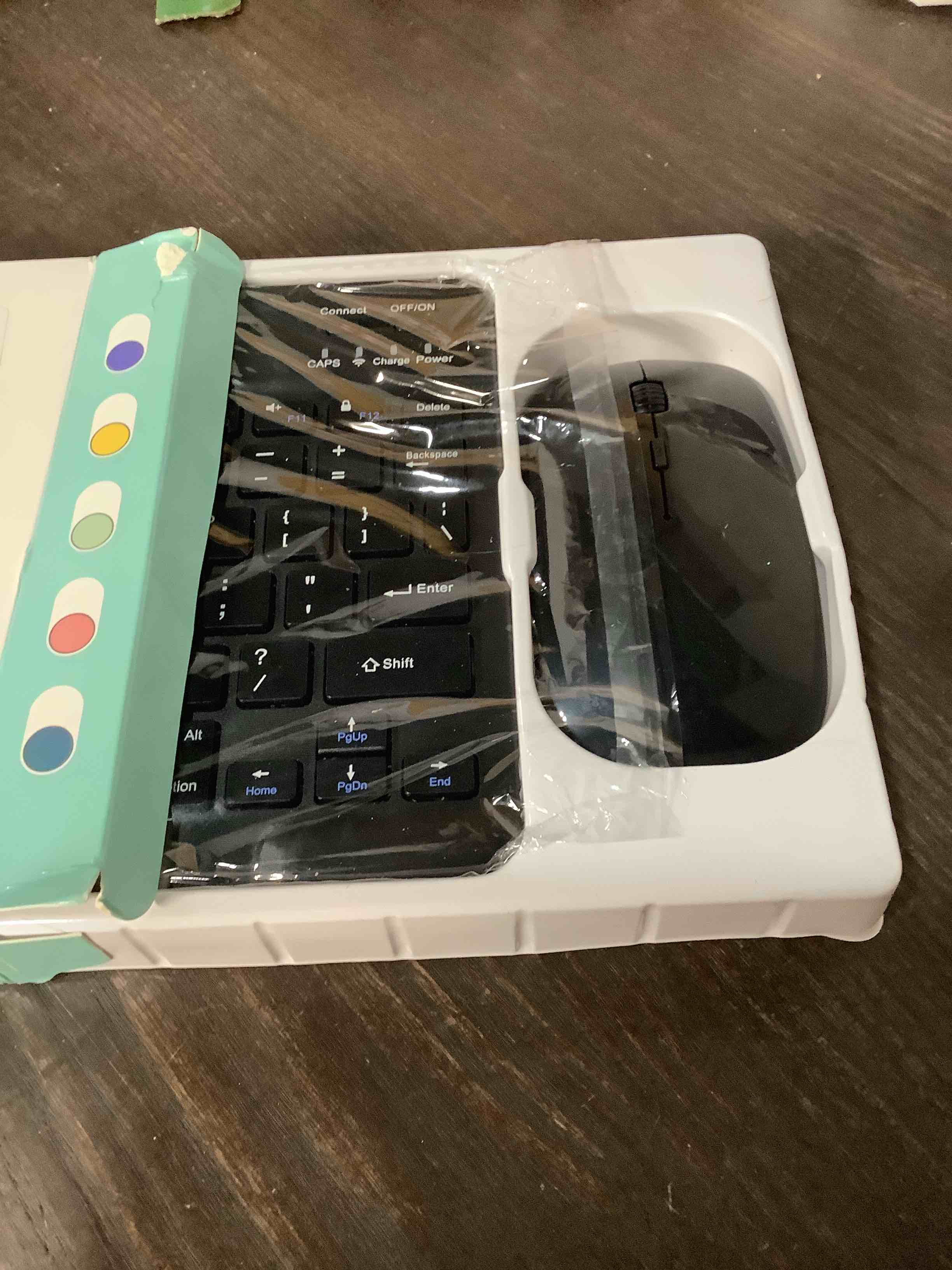
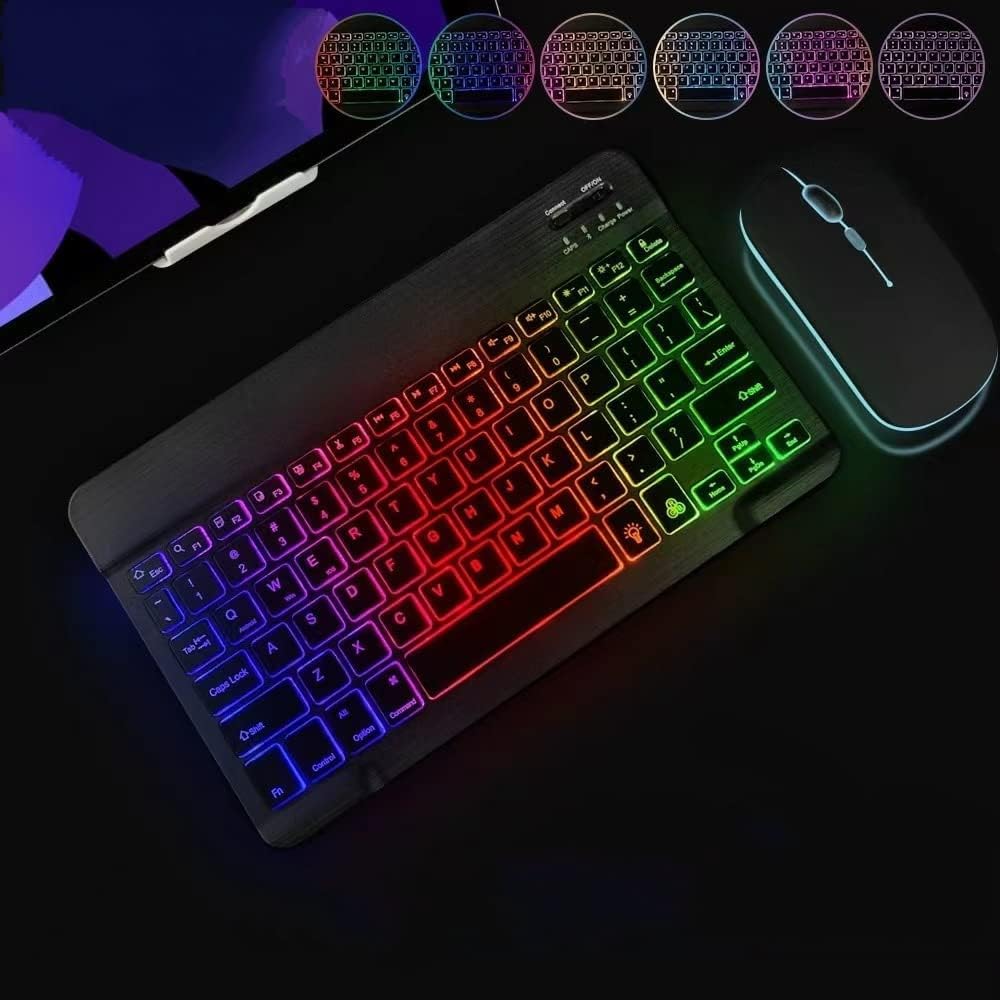
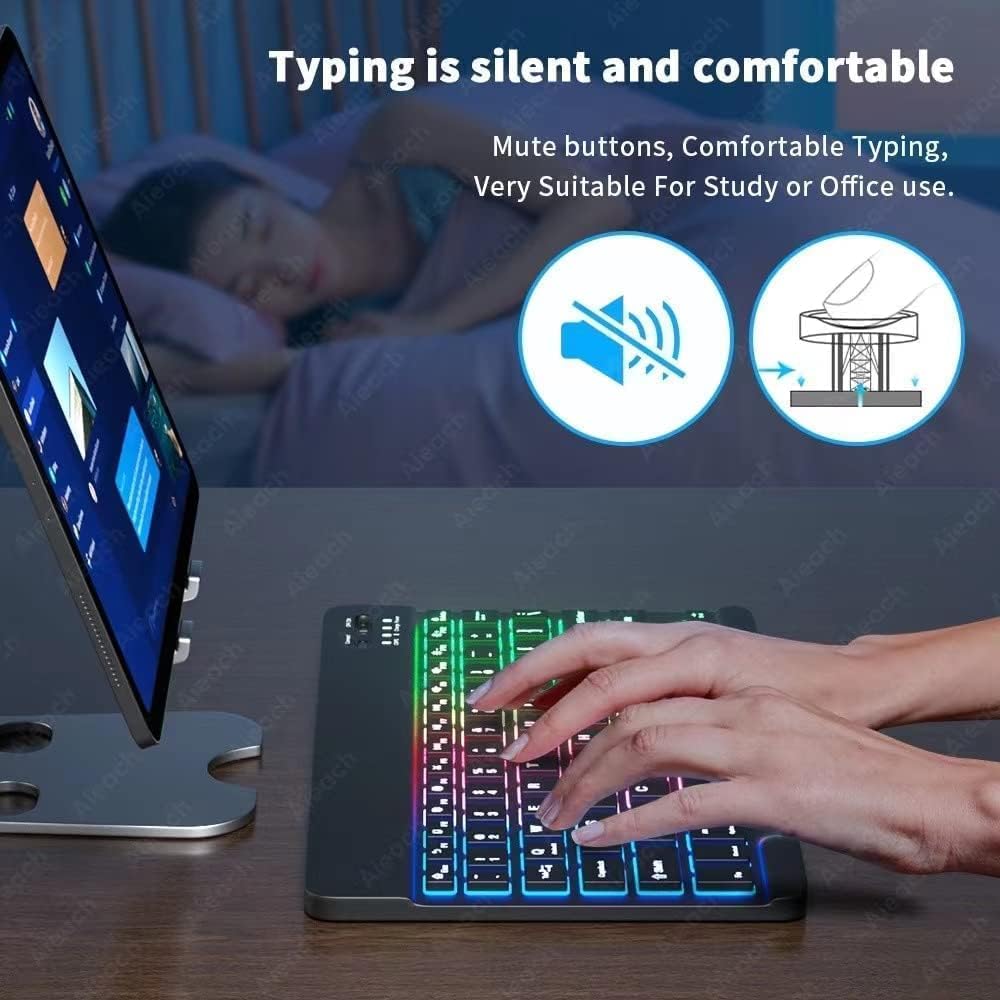
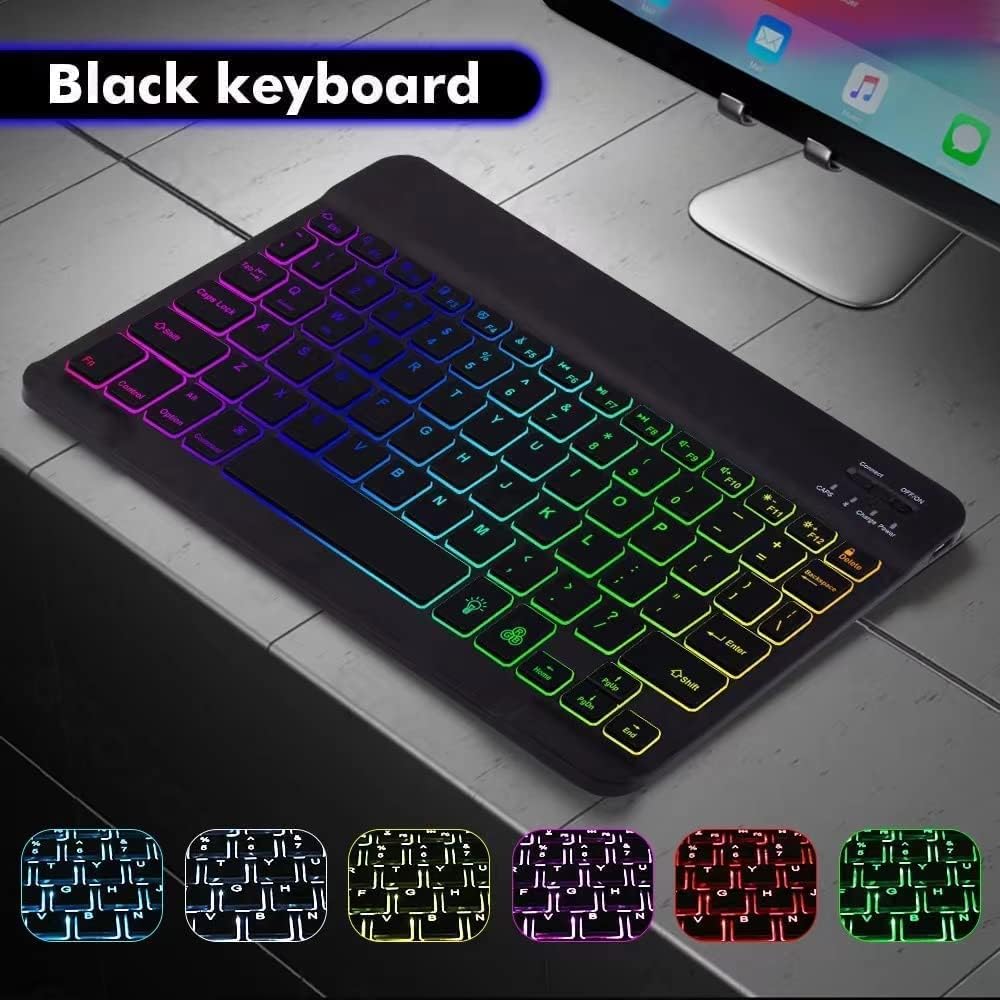
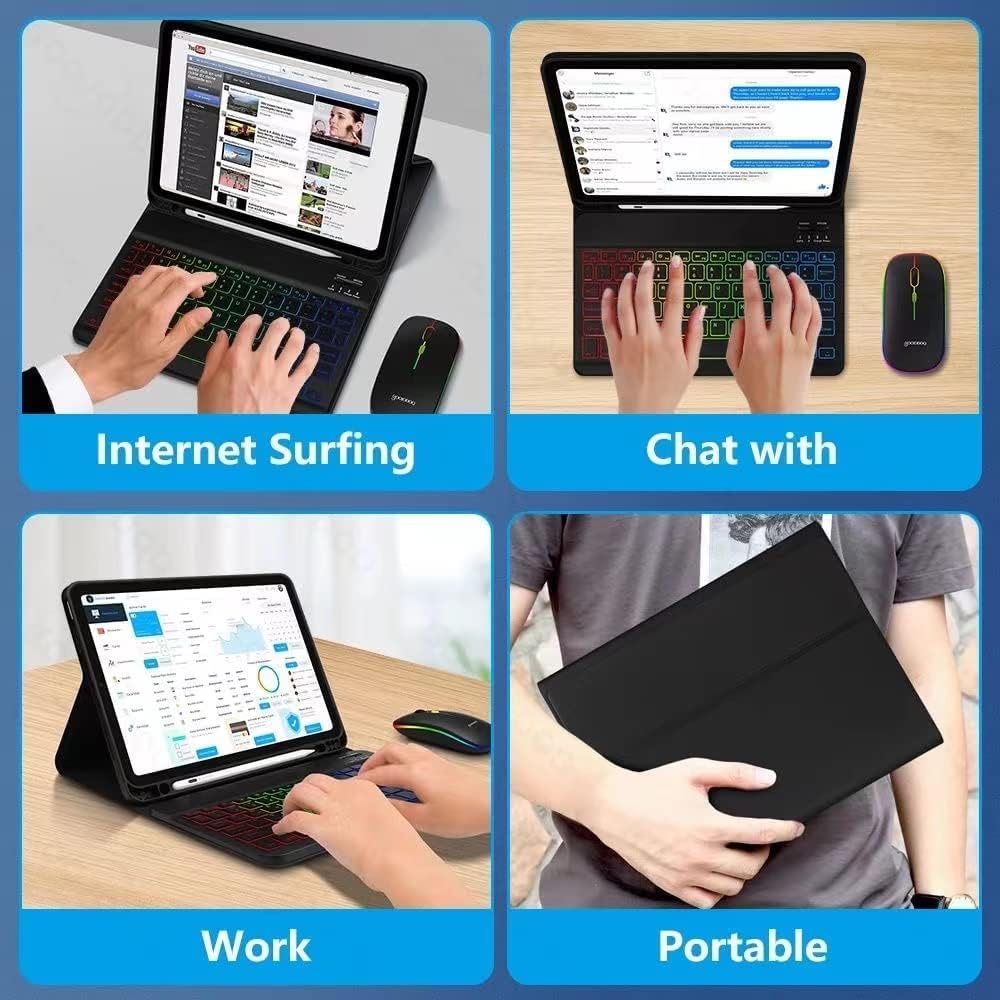
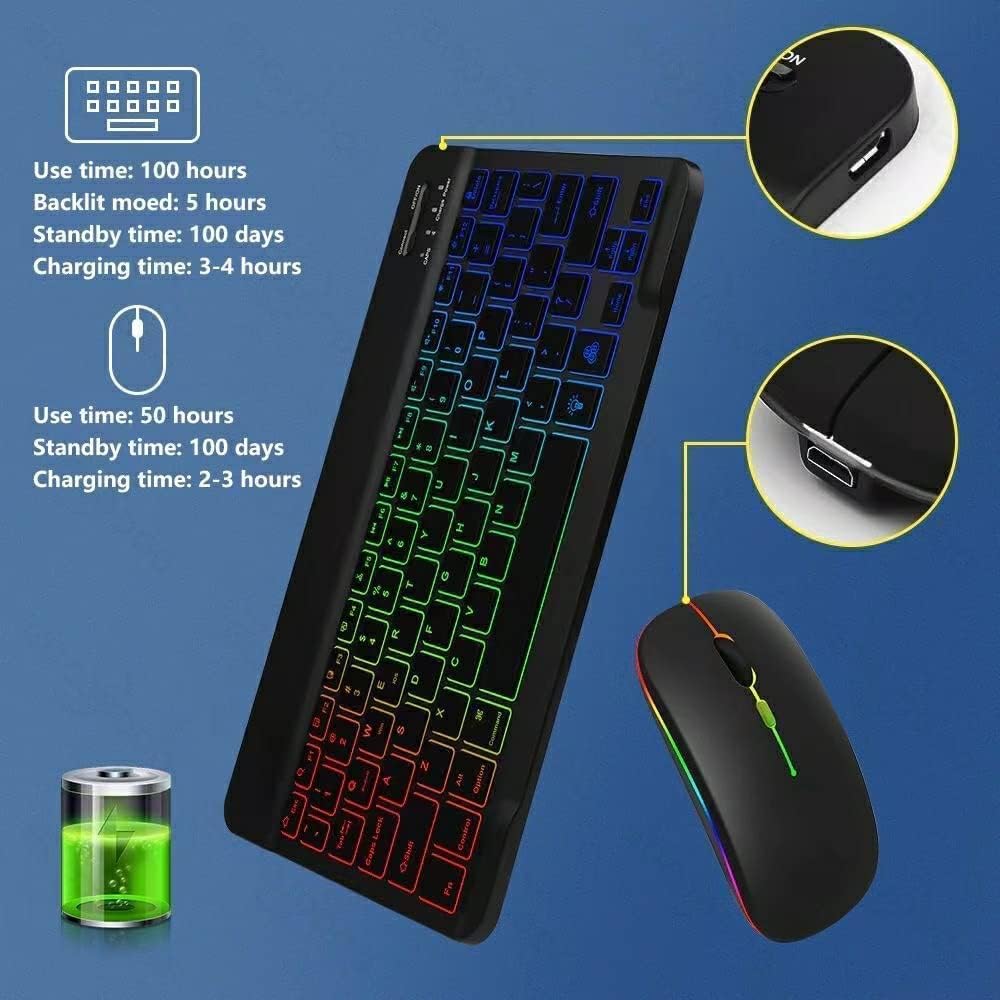
Ultra-Slim Lightweight Bluetooth Keyboard and Mouse Portable Mini Wireless Keyboard Rechargeable 7-Color Backlit for Apple iPad iPhone,Tablet iPhone Smartphone iOS Android Windows,Black
Sold
New/Like New
QTY 1
$5.56
MSRP
MSRP is a sample online retail price.
$16.99
Last Update:
12/12/2025, 9:14 PM ESTItem Information
MSRP:
MSRP is a sample online retail price.
$16.99
Brand:
Guiheng
Condition:
New/Like New
Description:
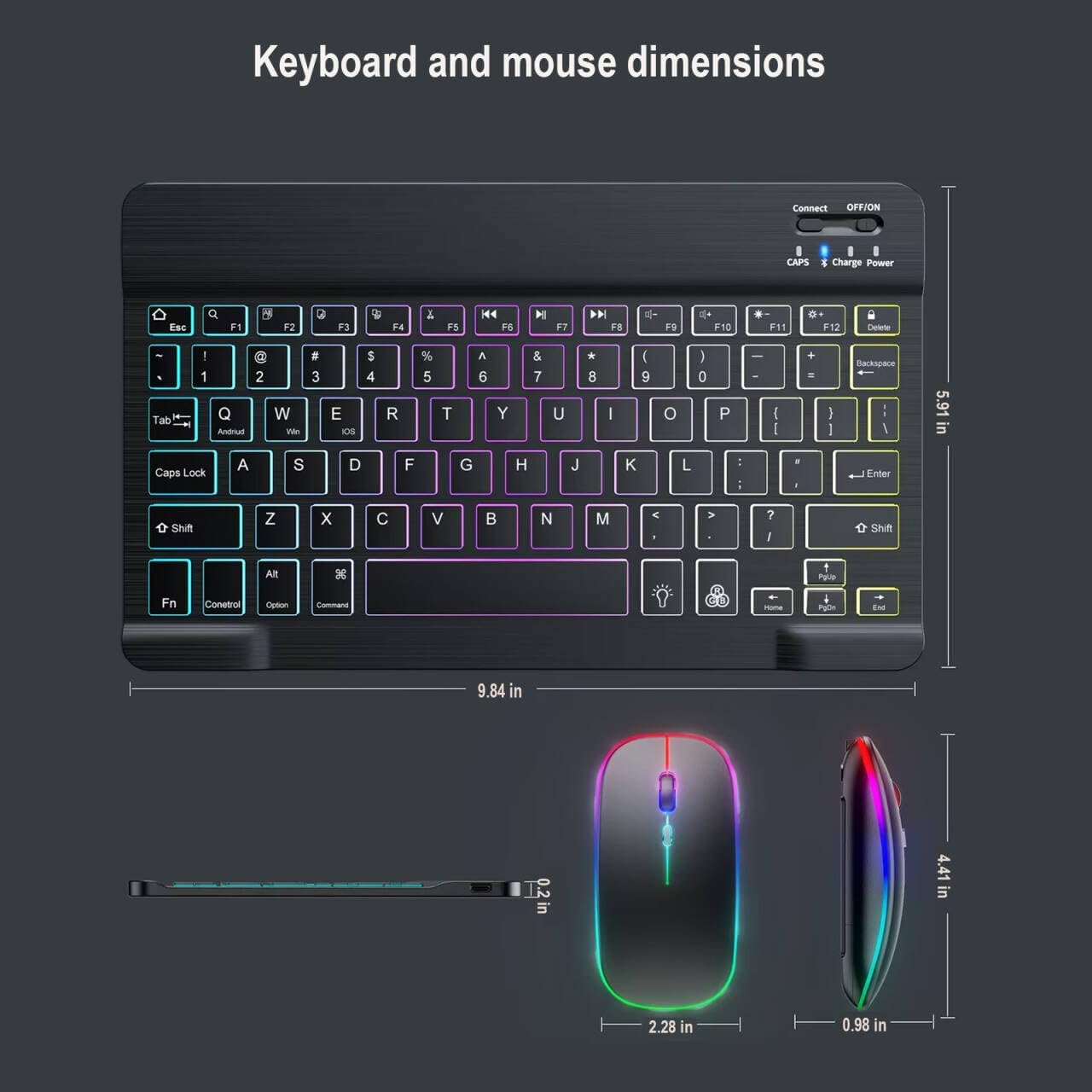
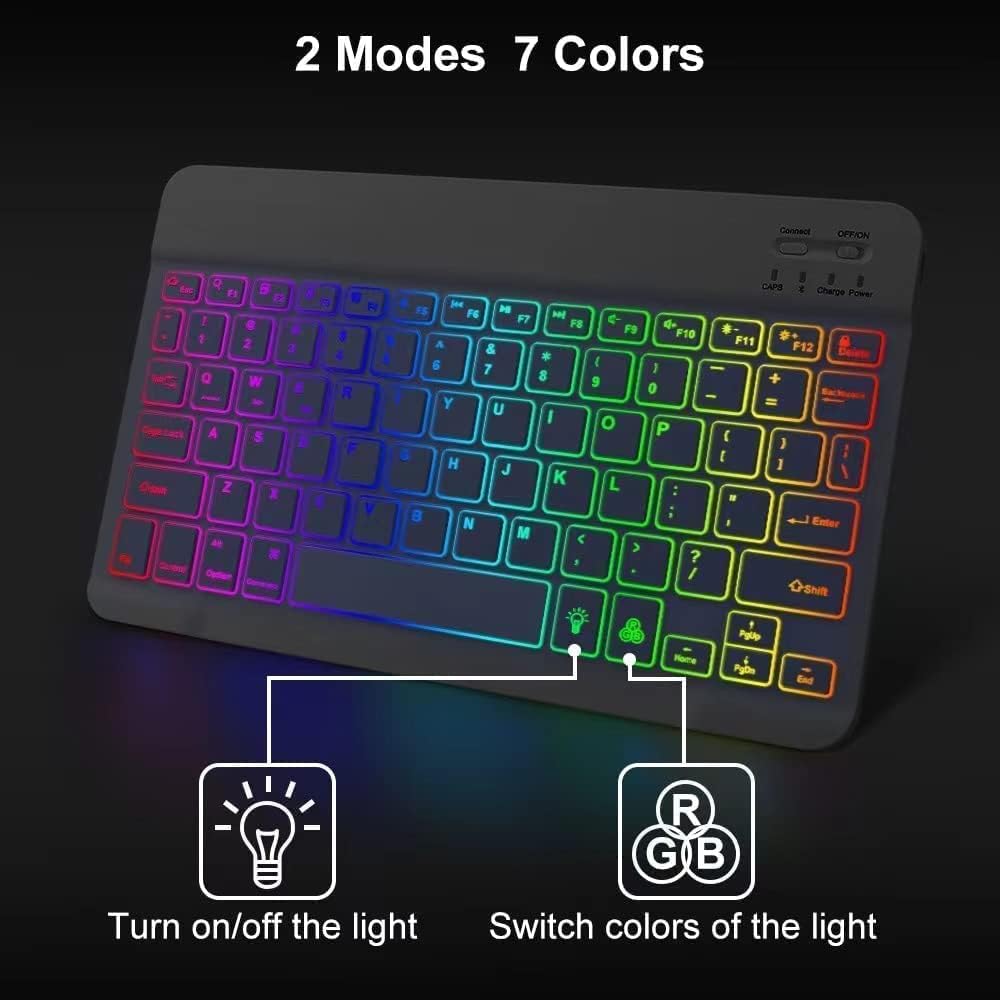
Troubleshooting: Q1:If keyboard does not work properly? 1.please make sure that your computer bluetooth function is enabled,the keyboard should be within 10 meters of the computer; 2..the connection password entered is correct, keyboard built-in battery power is too low,please charge the keyboard ; 3..if the keyboard is not connected or paired with the tablet computer after successful pairing,the text input delay or even typing letters appear in the process,please according to the following steps:delete all bluetooth devices,tablet computer Bluetooth option in the closed on a tablet computer bluetooth option,-restart the tablet computer keyboard and tbalet computer again. Q2:Keyboard does not connect to tablet,PC,ipad? The charging indicator will blink when is low power,which you need to charge,please make sure charged fully; The bluetooth keyboard pairing as below steps: 1.Turn on the keyboard ,the bluetooth status indicator blinking 5s then off; 2.Press”Connect”key,Blueooth indicator blinking; 3.Open the bluetooth and search,tablet PC search the keyboard(bluetooth name:bluetooth keyboard)automatically or manual,click connection; 4.Connect successfully,the bluetooth indicator will go out; Q3:The keyboard does not work? the keyboard is low power condition,or the keyboard enter into auto sleep condition If the charging indicator start blink ,means low power,you need to charge,please charge as below steps: Step1:Connect the B port of the origin USB wire to the keyboard charging port; Step2:Connect the A port to the power port or electric USB port; Step3:When charging,the red light will be on until at the end of charging. Please note that the keyboard have auto sleep function, Keyboard will enter into sleep after idle for 30 minutes,to activate it ,press any key and wait for 3 seconds,keyboard will work; Q4:The keyboard back light does not work? The keyboard have not paired with the device successfully,may lead backlight does not work; 1.Press the backlight key first time is turning on the light; 2.Press second time is increasing the brightness; 3.Press third time is light off , (single color backlight); 4.Backlit key+down key/backlit key+up key to change the backlight colors(3-color backlit); 5.When the battery is less than 20%,or idle for 10 minutes,the backlight will turn off; Q5:Keyboard always disconnect? the keyboard is universal keyboard ,the keyboard have compatibility with other bluetooth equipment,or the keyboard is low power ,which Need to charge. 1.for other bluetooth equipment which can be activated,be carefull to check the bluetooth standard and compatibility before connect. 2.Charging when power blue light flash,you need to charge ; 3.Please make sure that the other bluetooth equipment support HID bluetooth connection, 4.Please note that the keyboard just support the Android, IOS,windows three systems; Q6:the mouse can not charge? the mouse can not support fast charge,only slow charging is allowed,if use the fast charge ,high current and high voltage can easily damage the mouse’s battery. Q7:the mouse do not work,and not bluetooth compatible? the mouse is low power ,or the mouse have not bluetooth paired successfully,to lead the mouse do not work . 1.we will add the mouse user manual ,include the bluetooth pair steps. 2.we will add the detail bluetooth pair steps on product description. If the power switch at the bottom of the mouse change dim or off,you need to charge the mouse, After 2-3 hours charging, when the charging light led is on ,the charging starts.the light goes out ,means charging fully. Bluetooth mode Please do mouse bluetooth pair as below steps: Step1:switch the BT/2.4g button to bluetooth ,then automatic code match after powered; Step2: Open device bluetooth to connect; 2.4G mode: Step1:Switch the BT/2.4g button to 2.4G location; Step2: plug the usb dongle into computer usb port,power on the mouse; Please note the keyboard is ultra slim lightweight ,please take into consideration before buying. the keyboard size is 9.84*5.91*0.2inch? the mouse size is 4.41*2.28*0.98inch;
Lot Code:
TEA2149558
Width:
6.6 cm
Depth:
1.1 cm
Weight:
12.6 kg
Length:
12.9 cm
Additional Info:
New/Like New
Pickup Location:
2809 Howard Litzler Dr, Covington KY 41015
Item Location:
NKY - Auction Pickup Center
02 - Aisle
02 - Bay
01C - Level
Auction Number
NKY2500085