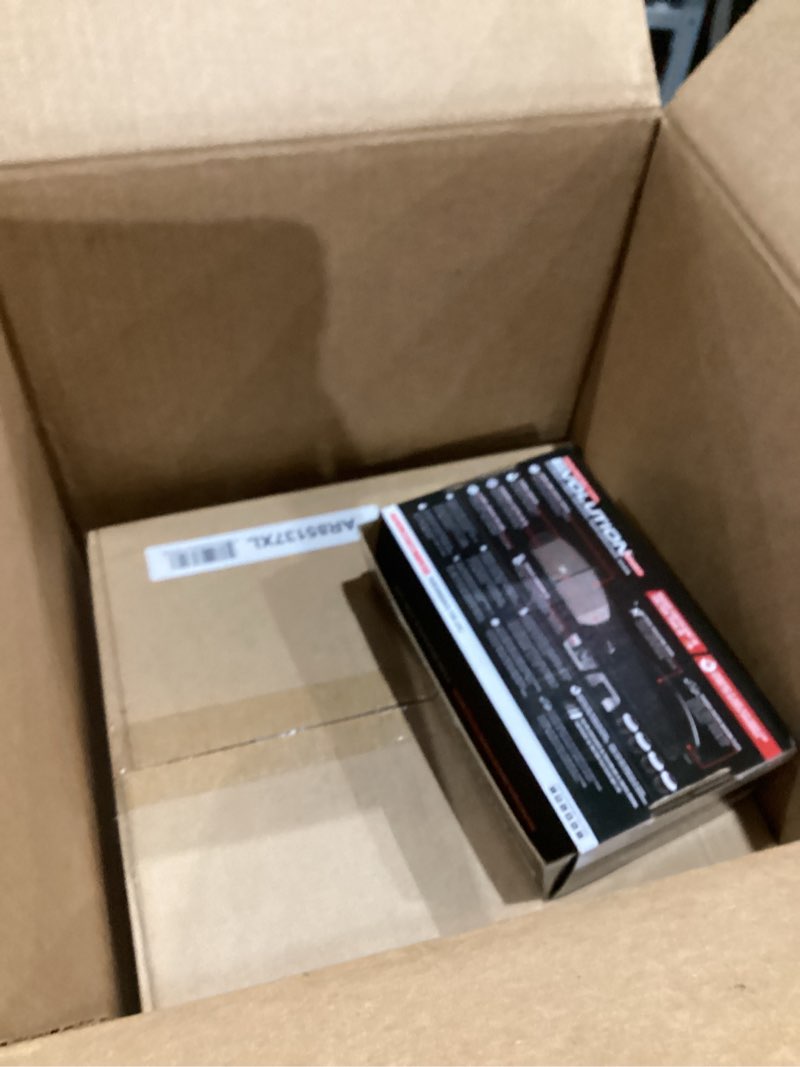
STOCK IMAGE
Auction Ended

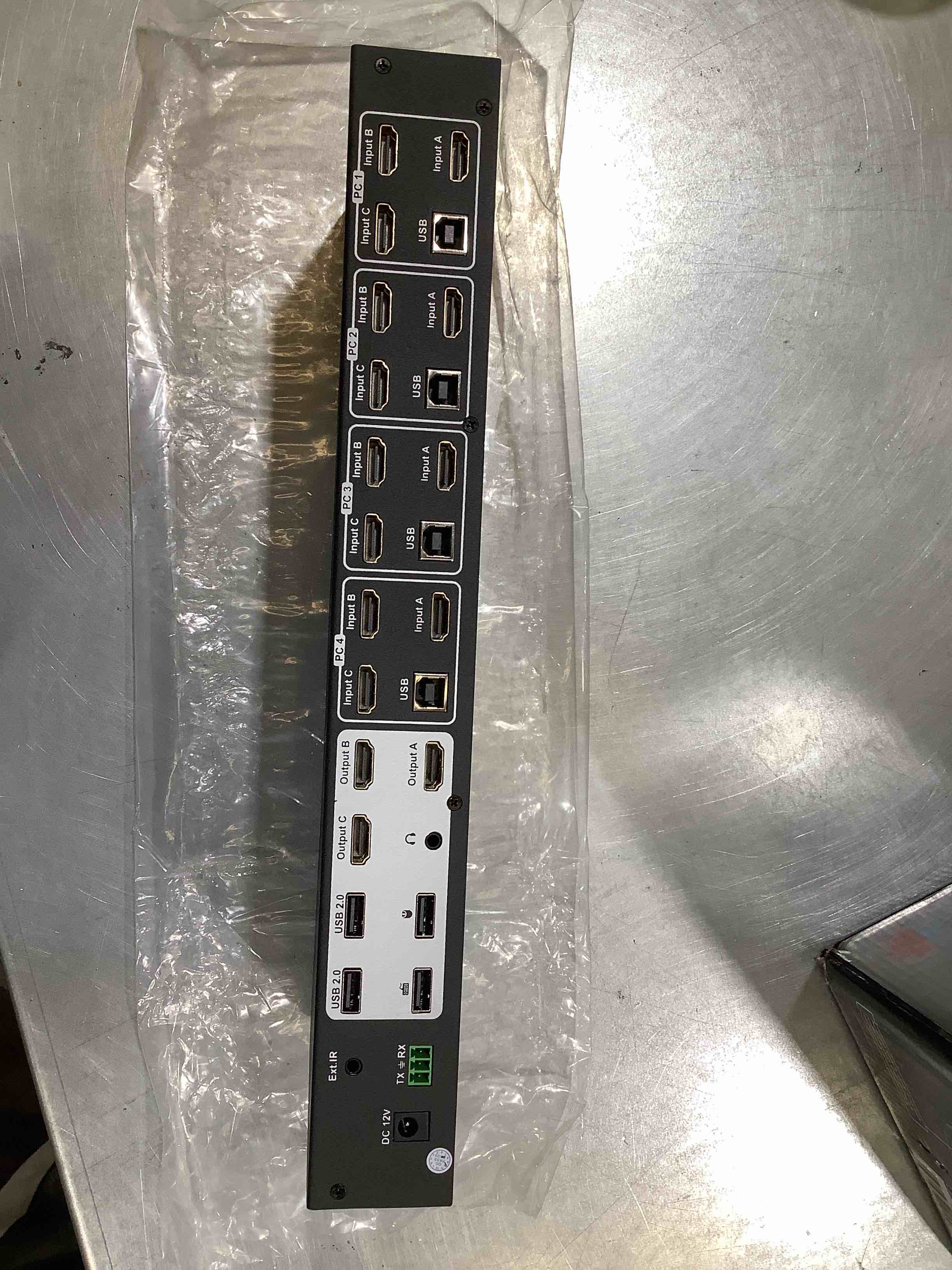
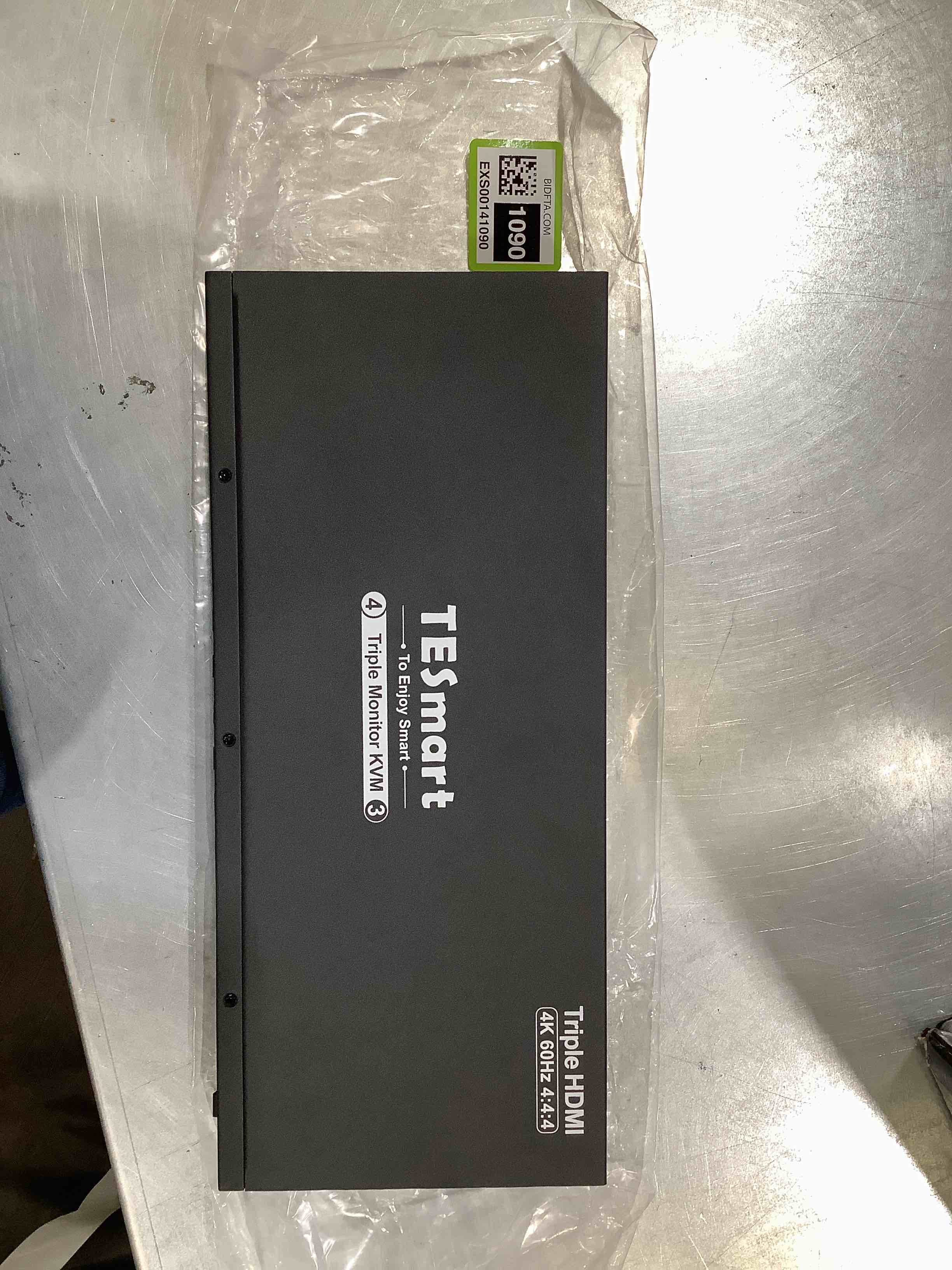

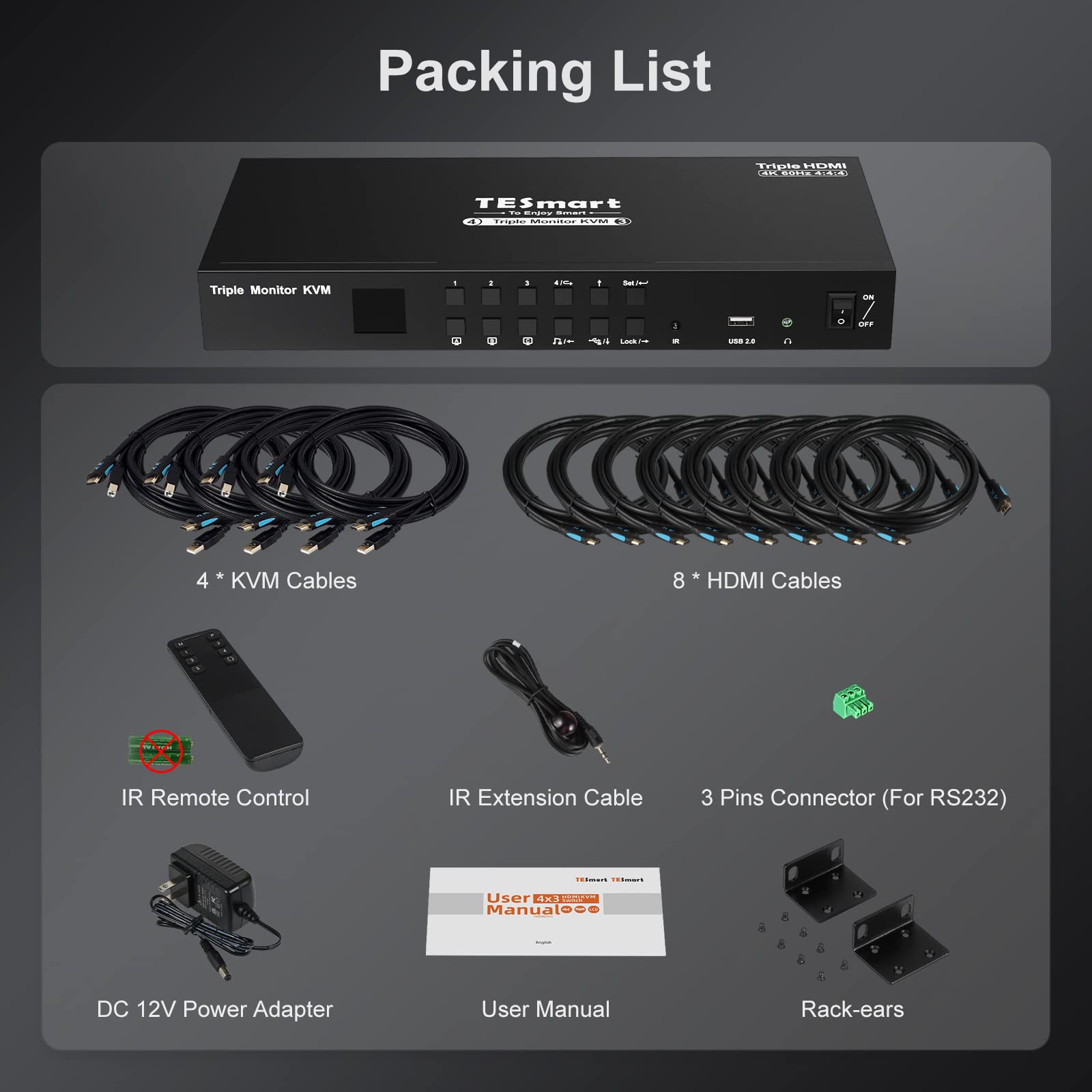

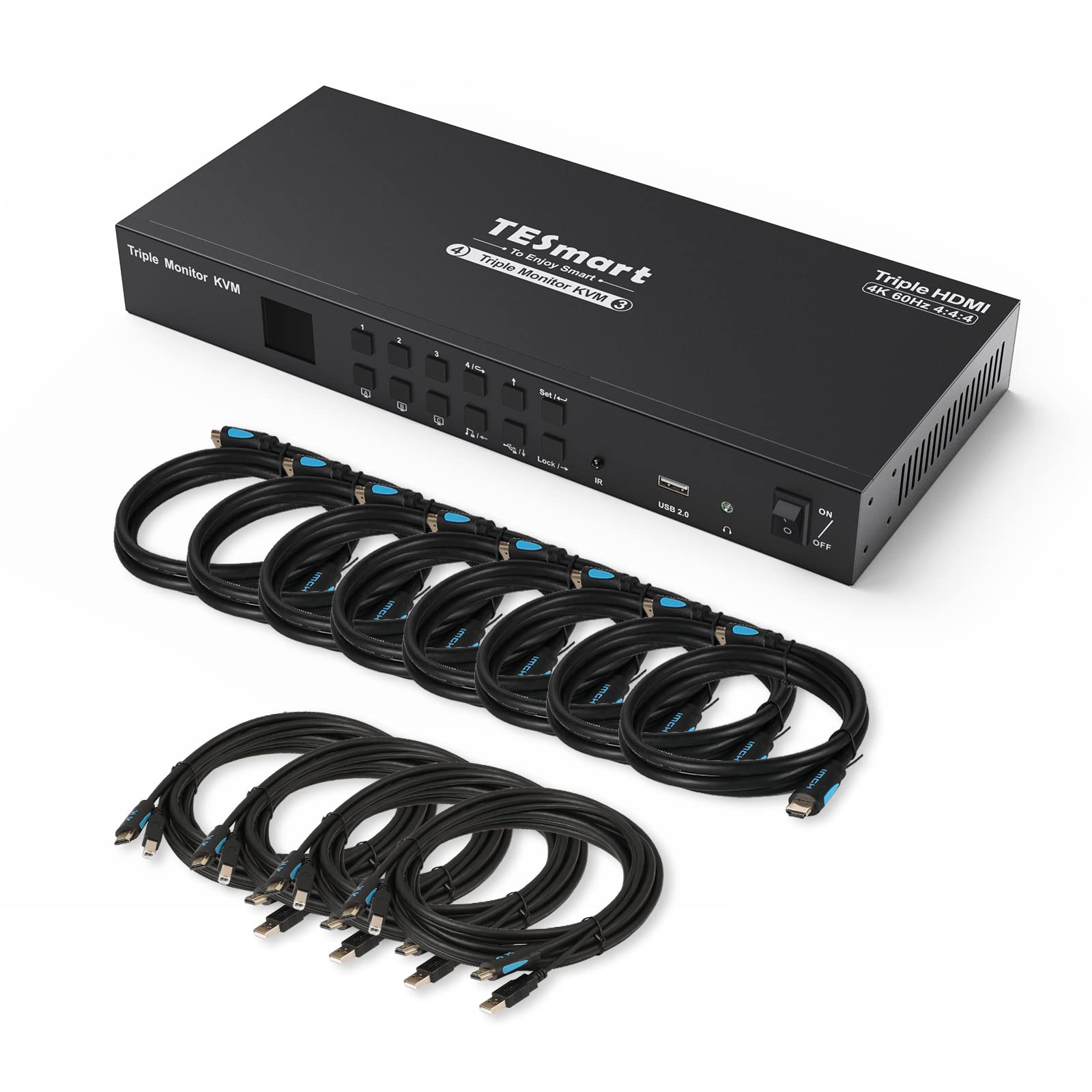
TESmart KVM Switch 3 Monitors 4 Computers 4K@60Hz 4:4:4, Support 3 USB Peripherals, 2 Audio Out, Mechanical, Multimedia Keyboards, RS232, Triple Monitor HDMI KVM Switches 4 Port Box with KVM Cables
Sold
Open Box
QTY 1
$45.00
MSRP
MSRP is a sample online retail price.
$599.99
Last Update:
12/10/2025, 4:23 AM ESTItem Information
MSRP:
MSRP is a sample online retail price.
$599.99
Brand:
TESmart
Condition:
Open Box
Description:
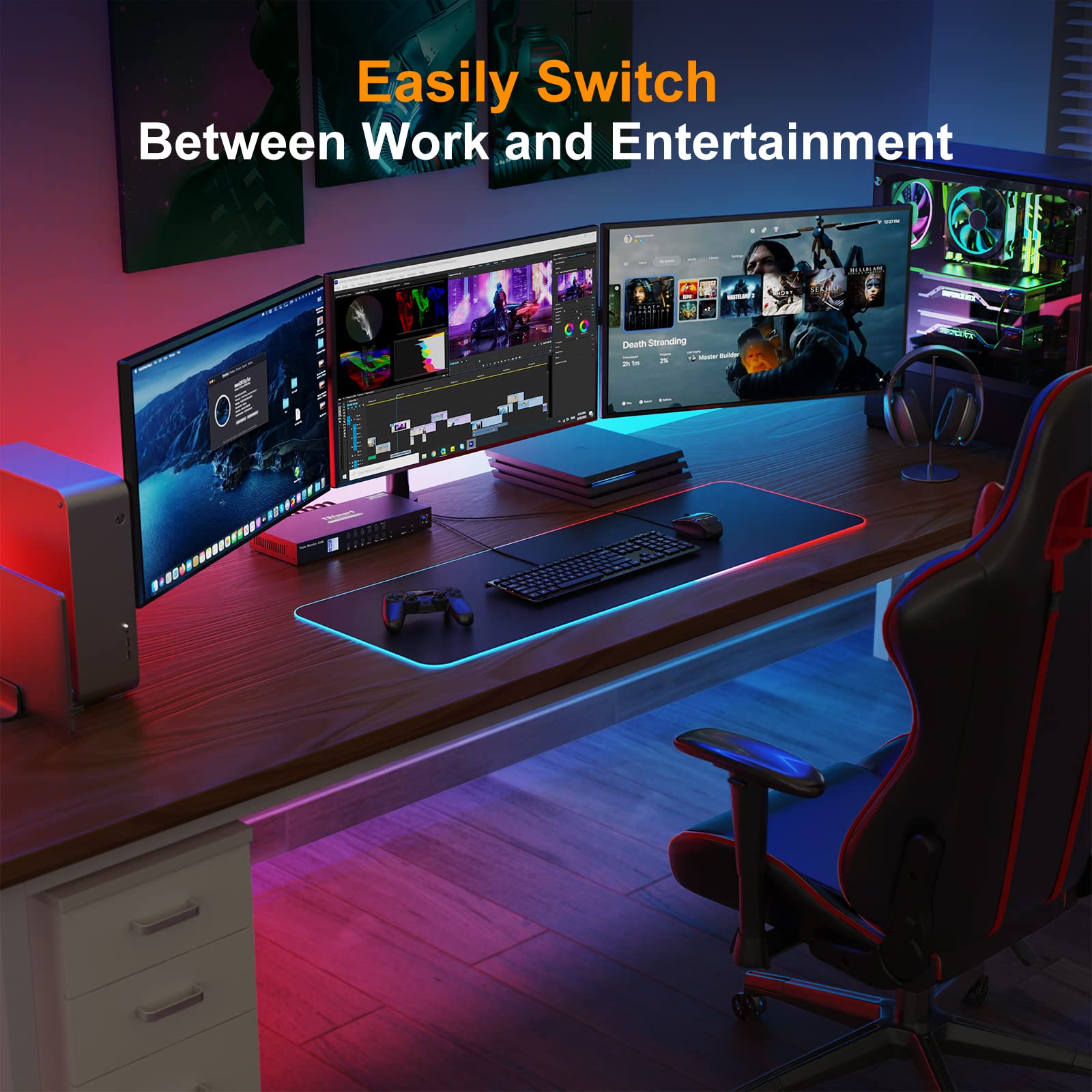
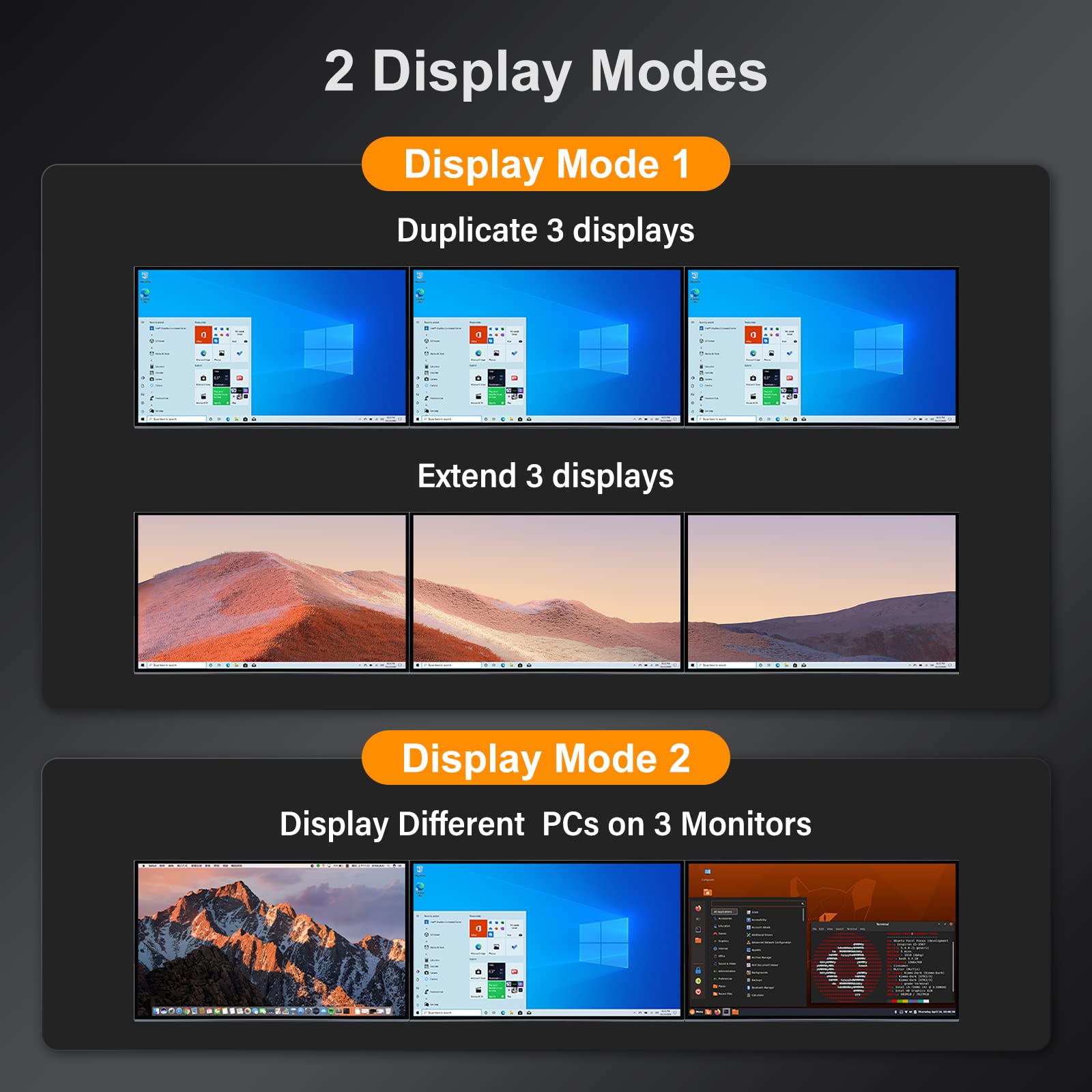
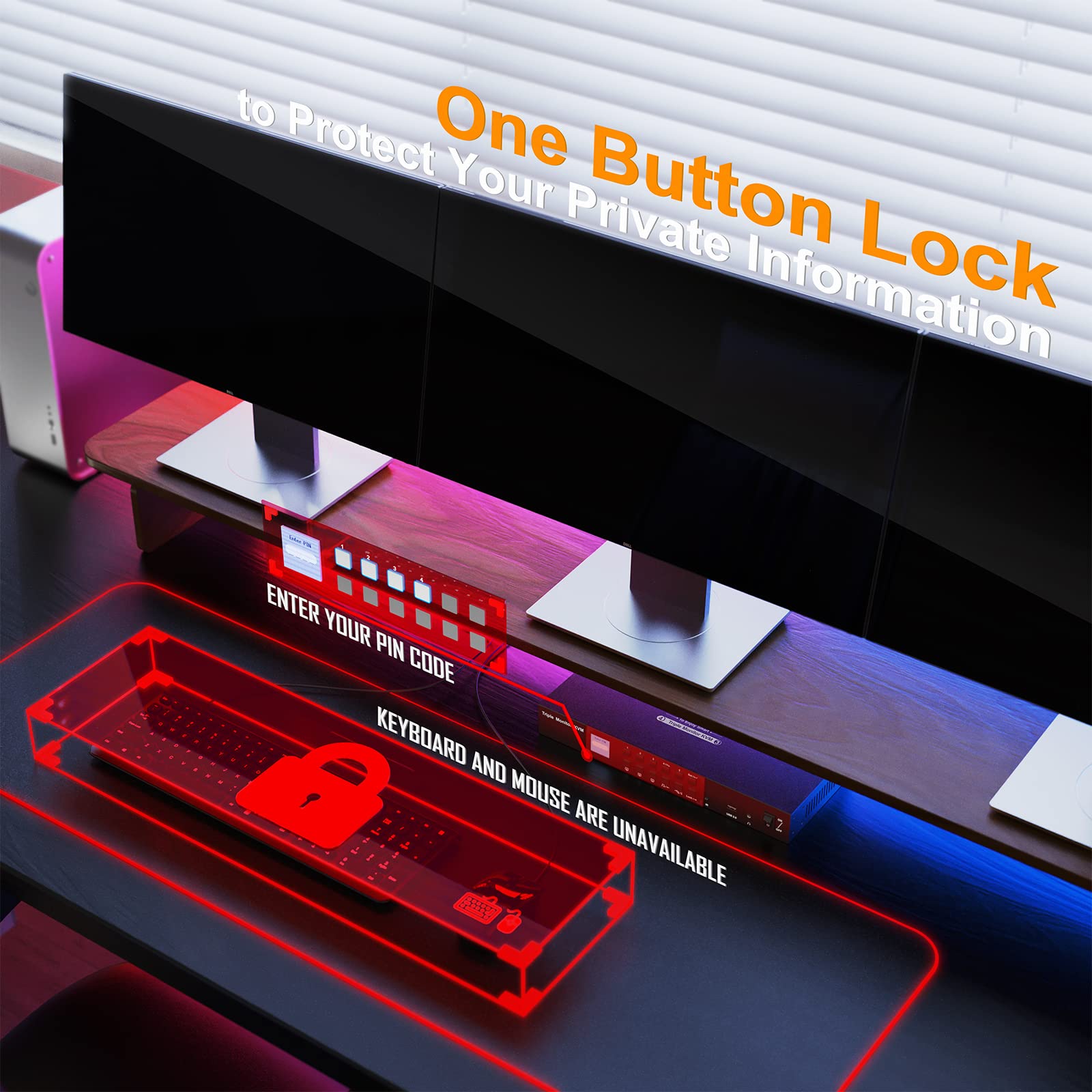
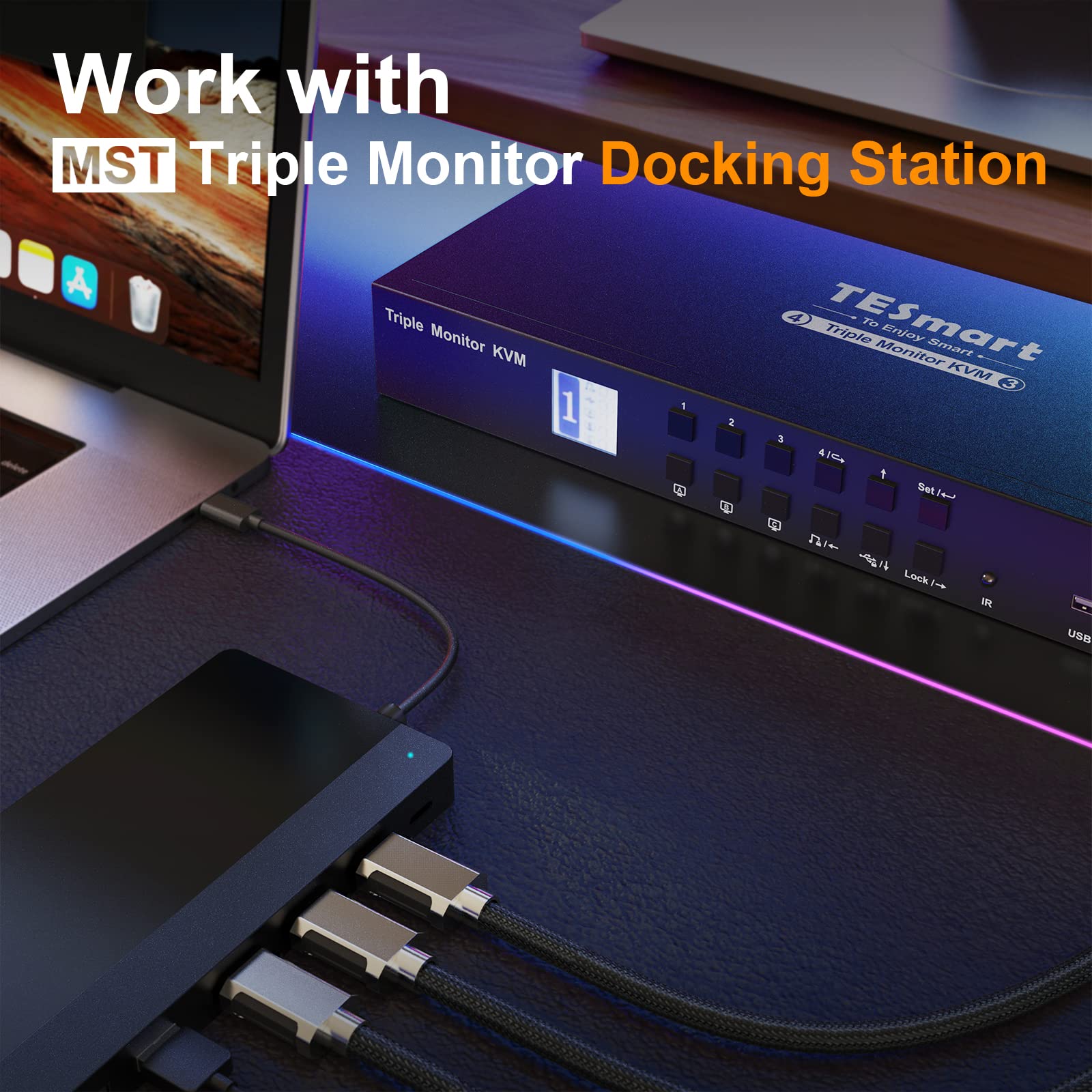
TESmart 3 Monitor HDMI KVM Switch TESmart triple KVM switch is a professional grade triple screen KVM switch delivering ultimate flexibility for users who wish to share 1 keyboard, mouse, 3 4k resolution screen and 3 modern USB peripherals between 4 computers (each with 3 HDMI video outputs). The KVM Switch optimizes your desktop so you can effortlessly manage a triple-display multimedia workstation. Features? Triple monitor KVM creates extended computer desktop for better multitasking.Triple Monitor KVM Switch HDMI Supports resolution up to 3840x2160 4K@60Hz 4:4:4 and downward compatible.Support 3D, HDR, HDCP and Dolby Vision.With EDID emulators in each input port, keep PCs always have correct information, prevent displays setting change while switching inputs.LCD display for easy-to-read operation. For all its advanced features . HKS0403A1U is still no driver plug play , and enjoy high privacy with locked KVM audio and USB.Useing a built-in keyboard andmouse emulation for silky smoothness to any mouse scenaro while you are switching , clicking , or even rolling.Please reach out for support if you encounter video or keyboard and mouse compatibility problems and we will try online product firmware upgrades for you. Read more Unique Selling Point Easily Switch Between Work and Entertainment In addition to connecting laptops/desktops/computers/PCs, it can also be compatible with PS/Xbox/media box, etc, and easily switch between work and entertainment at any time. Work with MST Triple Monitor Docking Station Don't worry about not having enough ports on Laptops. You can match the MST docking station with 3 outputs to achieve triple monitor function. Make sure to use reliable adapters if needed to avoid display issue. One-Touch Locking to Protect Your Private Information To lock all displays, you just press the Lock button to lock the KVM with one click to protect your private information when you temporarily leave your desk, without having to lock the monitors one by one. After locking, all displays will be off, all buttons will be invalid. Read more Lock L/R Audio and USB Focus Function The 3 screen 4 computer kvm switch supports locking L/R audio and USB 2.0 focus. After the lock is turned on, the current audio or USB focus can be maintained and only the screen can be switched when switching. 4 PCs Share 3 USB 2.0 Peripherals 3 additional USB 2.0 peripheral such as an external hard drive, thumb drive, printer, or webcam eliminating duplicate peripheral costs and offering the convenience of sharing stored data between PCs. 5 Advanced Switching Modes Support IR signals, front panel buttons, keyboard hot keys and RS232 commands to switch input ports. Auto scan with adjustable interval for monitoring and testing. Read more Read more Installation Diagram (Make sure cable connections is correct for each input device) Applications Switch 3 displays, mouse, keyboard and 3 USB peripheral between 4 PCs and help save cost and work space.Financial/banking and trading workstations with multiple monitors.Graphic design and multimedia production applications.High resolution medical imaging with multiple displays.Great for CAD/CAM operators using multiple monitor systems.Used in fast-paced control room and call center scenarios where multiple systems still need to be accessed from one console. How could I upgrade my KVM switch to make sure it's always compatible with the latest keyboard, mouse, and monitor? Peripherals are constantly being updated even the same model, which may cause compatibility issues. Fortunately, the TESmart KVM switch is compatible with most peripherals on the market. If there are any exceptions, our technicians will serve you with an upgrade for free. Please feel free to reach out to us at any time if you have questions or concerns! How do I reach out for support? If you have any questions or encounter issues, there is downloadable user manual and troubleshooting at the bottom of the detail page. Additionally, you can reach out for support if needed. In the past year, we have founded a professional team to deal with problems from different customers within 12 hours. What is the best KVM Switch for me and what factors do I need to take into account when choosing? It's important to carefully consider what is the best KVM switch for your configuration depending on your application requirements and the switch features. In order to find the best KVM switch for your configuration here are the major questions to consider: 1.Existing PC Setup - Purchase a KVM switch that supports the number of computers in your setup. 2.Required Video Formats - It is best practice to use the same video connections wherever possible. 3.Multiple monitor support? Ensure every computer can support the number of monitors you are looking to use in your setup. This is 4 computers 3 monitors KVM switch (HDMI + HDMI + HDMI). 4.Hotkey support- TESmart KVM switches support the use of hotkey combinations to complete tasks such as switching between computers. How can I get the sound from L/R? 1. Please confirm what output interface is the computer equipped with? (DVI? HDMI?) If your computer is equipped with DVI output, normally that the DVI output does not carry audio signals, so the audio signal cannot be output to the speaker. 2. After you connect the headset, you need to switch to the computer ith the audio device turned on. Only the computer that controls the audio playback will output audio. 3. If you have controlled the computer to turn on the audio device, select the correct audio output channel. (Right- click the speaker, open the sound settings, select the correct HDMI output device, and set it as default.) Upgrade Support Choice Audio
Model:
HKS0403A1U
Lot Code:
EXS00141090
Width:
8.2 inches
Depth:
6.3 inches
Weight:
7.5 pounds
Length:
16.1 inches
Additional Info:
Open Box
Pickup Location:
500 West Main St, Hendersonville TN 37075
Item Location:
BHH - Auction Pickup Center
RELOT - Aisle
Auction Number
BHH2300743